> ## Documentation Index
> Fetch the complete documentation index at: https://docs.rdsnode.com/llms.txt
> Use this file to discover all available pages before exploring further.
# Actualizar un servidor de Hytale
> Guía para actualizar un servidor de Hytale.
# Cómo actualizar un servidor de Hytale
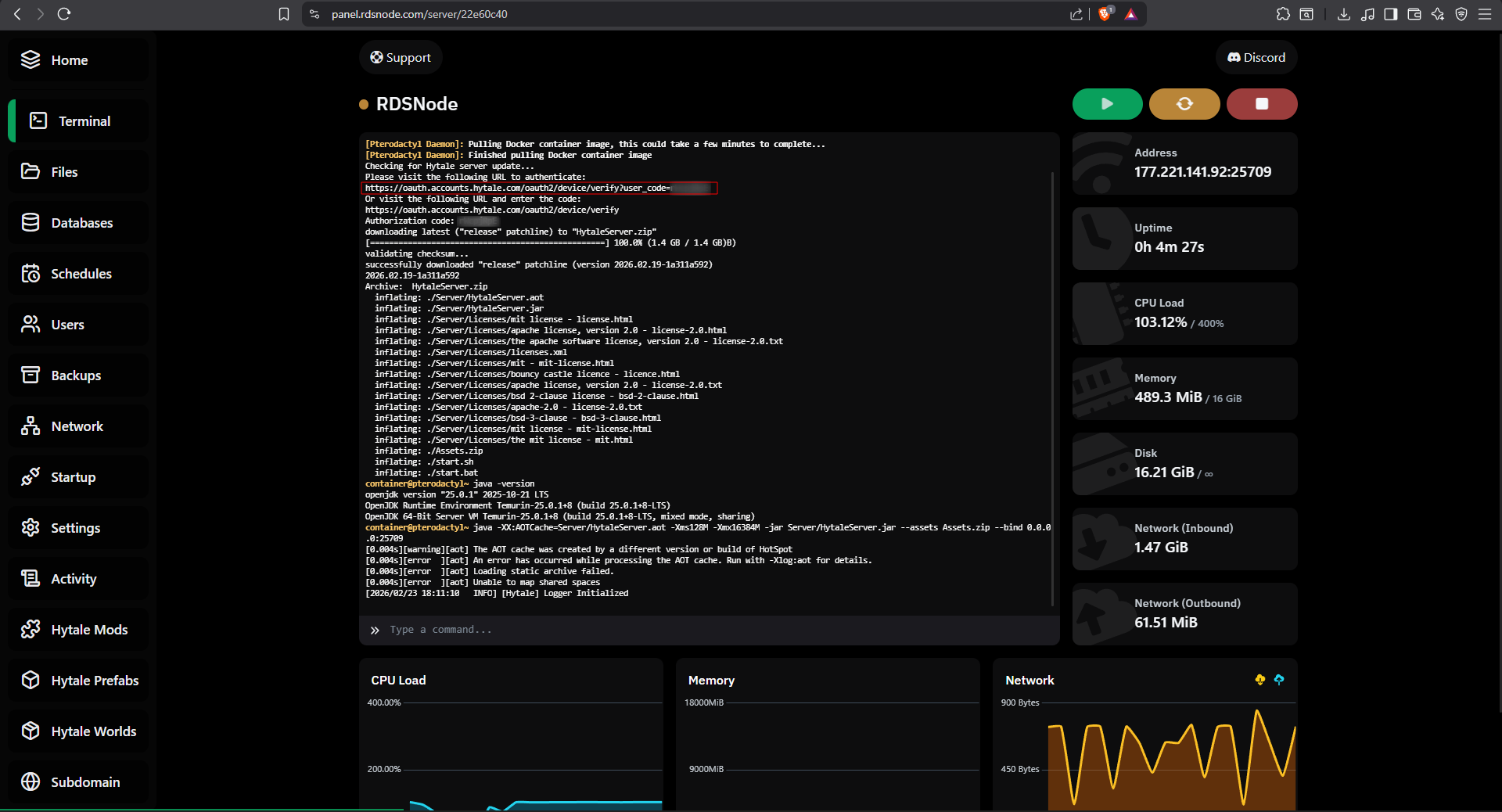
1. Inicia el servidor desde el panel.
2. Ingresa al link indicado en la terminal.
Ejemplo:
```
https://oauth.accounts.hytale.com/oauth2/device/verify?user_code=CODIGO
```
 3. Ingresa con tu cuenta de Hytale y aprueba la actualización.
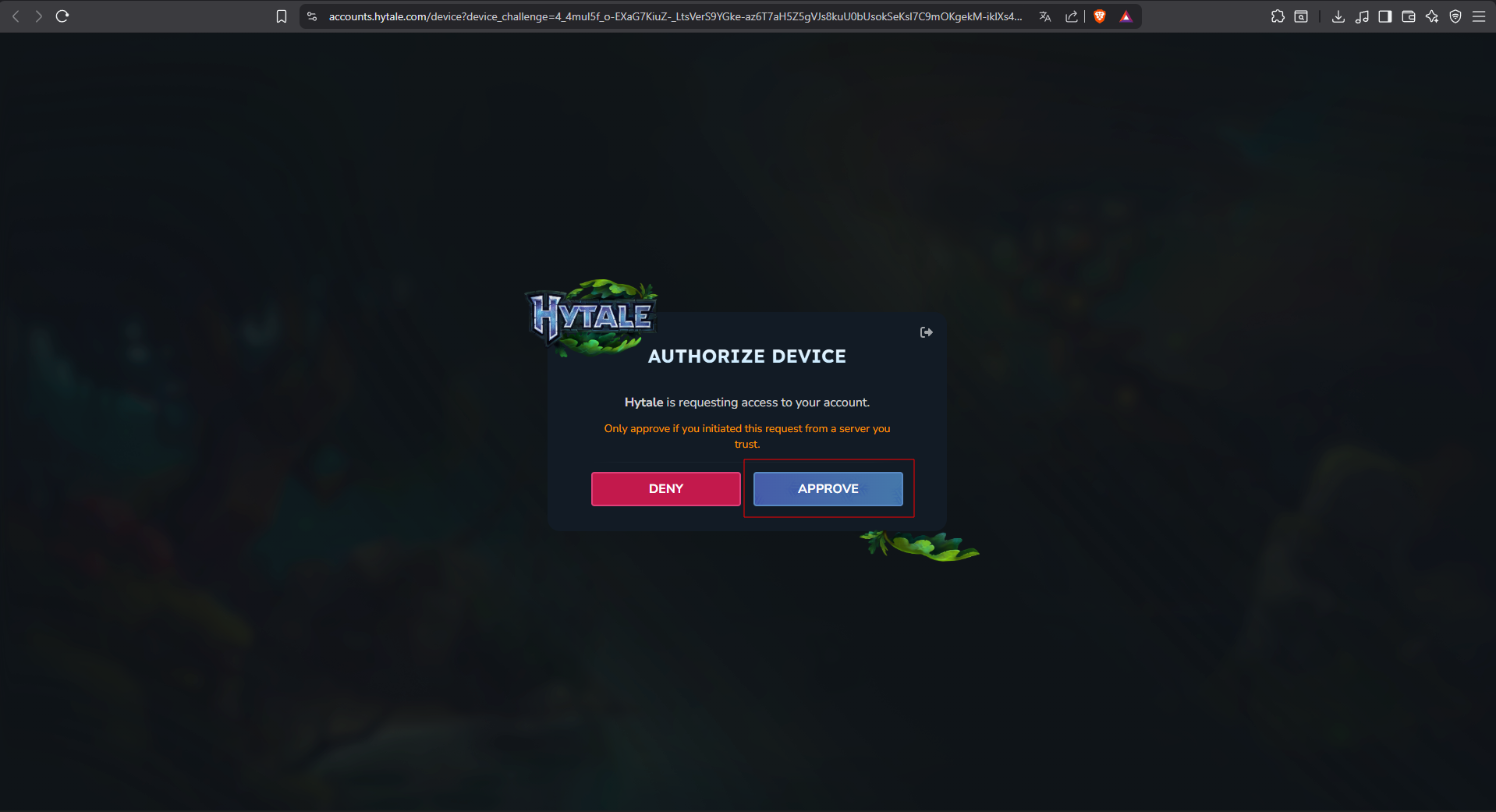 4. Listo, regresa a la terminal y se te descargará la ultima versión de Hytale.