> ## Documentation Index
> Fetch the complete documentation index at: https://docs.rdsnode.com/llms.txt
> Use this file to discover all available pages before exploring further.
# Instalar mods en Hytale
> Guía para instalar mods o plugins en un servidor de Hytale desde un panel.
# Cómo instalar mods o plugins en Hytale
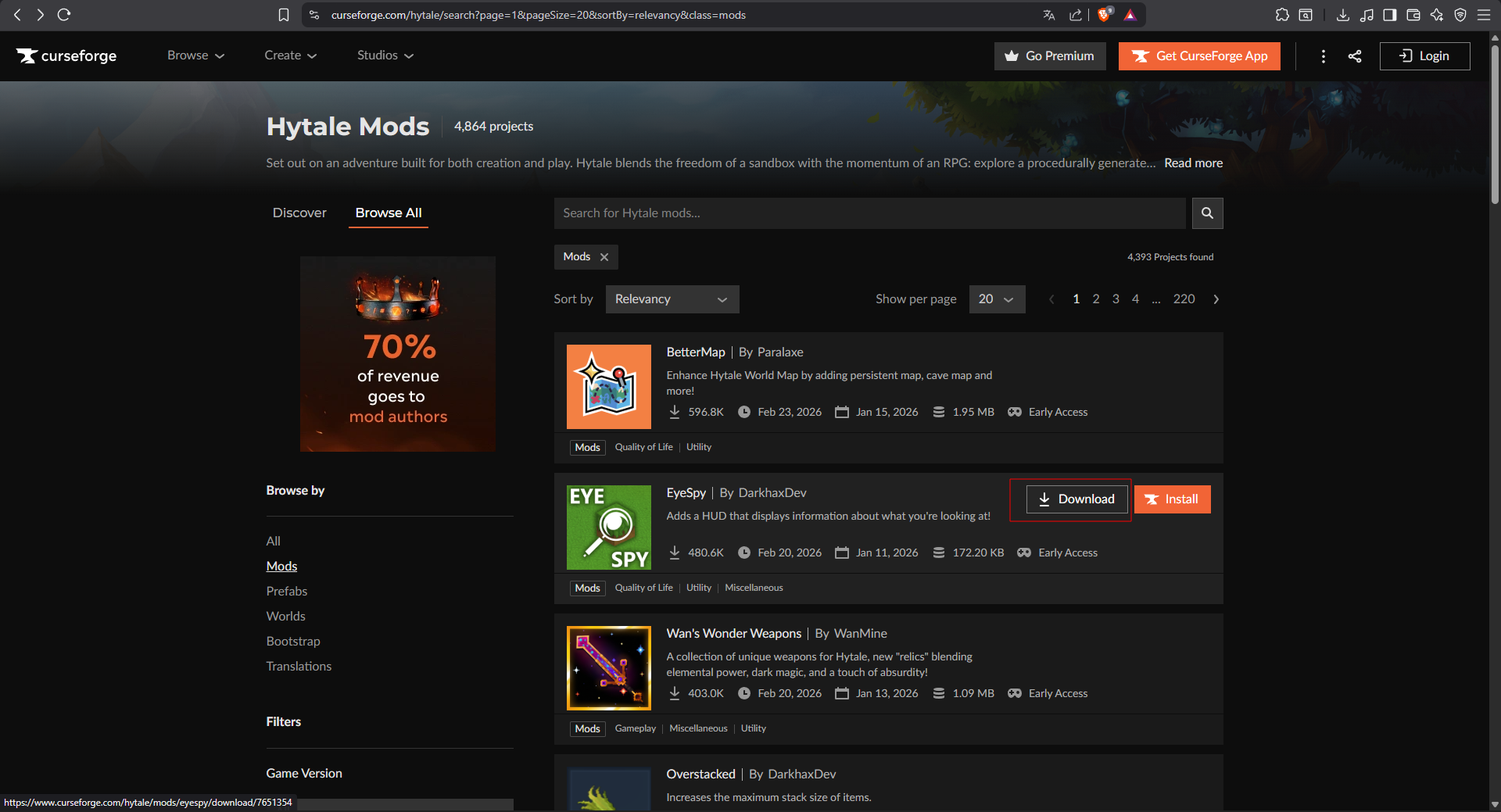
1. Ingresa a alguna pagina de mods confiable (Ej [CurseForge](https://www.curseforge.com/hytale/mods))
2. Busca el mod que más te guste y descargalo.
 3. Ve a la sección **Files** de nuestro panel.
4. Abre la carpeta `mods` y sube tu mod.
5. Reinicia el servidor.
3. Ve a la sección **Files** de nuestro panel.
4. Abre la carpeta `mods` y sube tu mod.
5. Reinicia el servidor.